BufferedReader
Reading a text file character by character without buffering means a separate read operation for every single character — even a small file can trigger thousands of system calls. BufferedReader solves this by wrapping any Reader and pulling data into an internal character buffer, so most reads come straight from memory. It also adds the extremely useful readLine() method that makes processing text files line by line effortless.
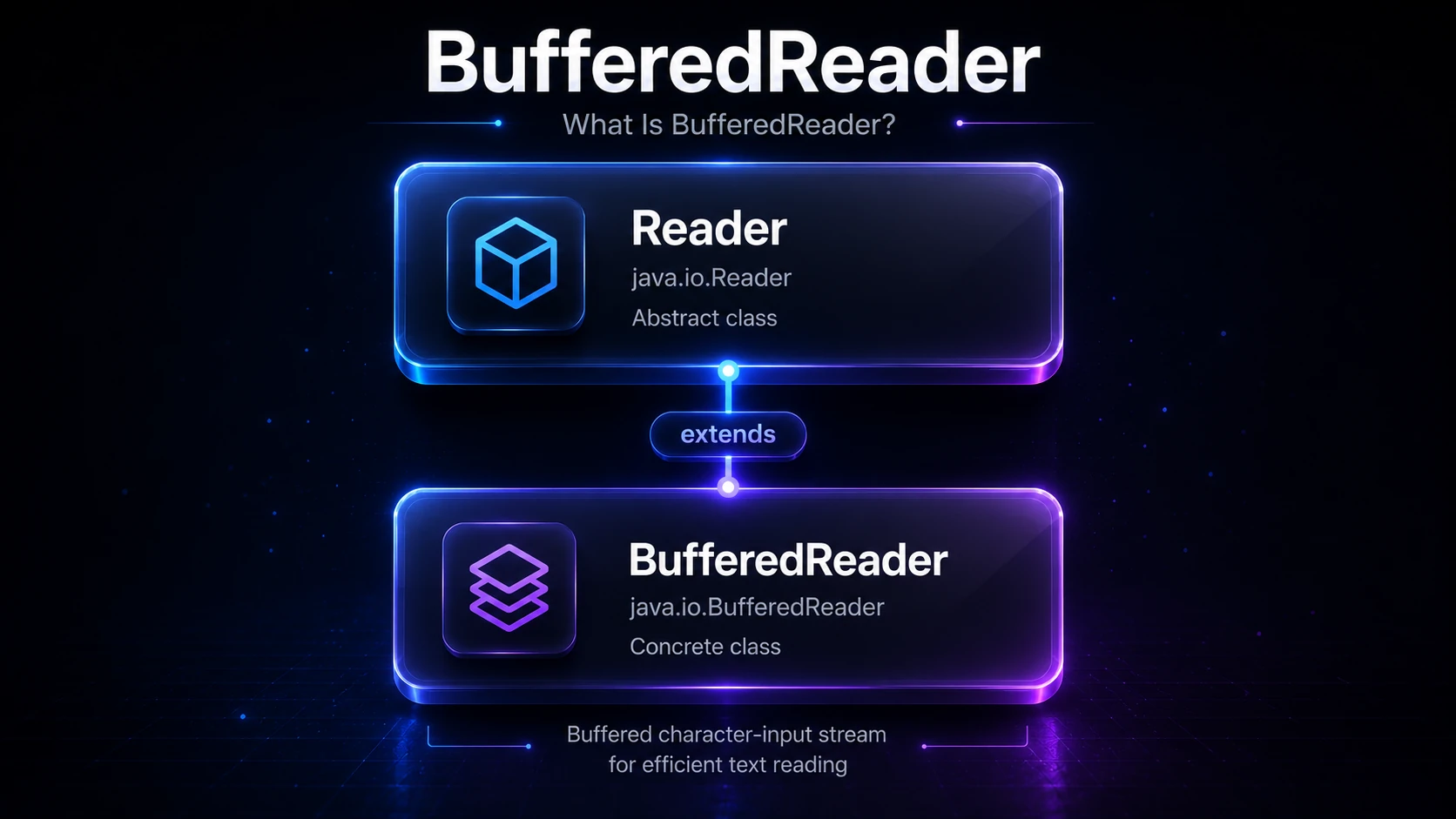
What Is BufferedReader?
BufferedReader lives in java.io and extends Reader. It is a decorator — it wraps another Reader (such as a FileReader or InputStreamReader) and adds buffering on top without changing its character-stream interface.
Reader
  └── BufferedReader
Its two most important additions over a plain Reader are:
- Internal buffer — data is read from the underlying
Readerin large chunks (default 8 192 characters), so subsequentread()calls drain fast memory instead of hitting the OS each time. readLine()— reads an entire line of text at once, stripping the line terminator, which is far more convenient than looping over individual characters.
Tip: Always wrap file-based
Readerobjects in aBufferedReader. The performance difference for sequential text reads is typically 10–50× compared to unbuffered reads.
Creating a BufferedReader
The most common pattern is to wrap a FileReader for reading text files:
import java.io.BufferedReader;
import java.io.FileReader;
import java.io.IOException;

public class CreateBufferedReader {
    public static void main(String[] args) throws IOException {
        // Default buffer size (8192 chars)
        BufferedReader br = new BufferedReader(new FileReader("notes.txt"));
        br.close();

        // Custom buffer size (16 KB)
        BufferedReader brCustom = new BufferedReader(new FileReader("notes.txt"), 16384);
        brCustom.close();
    }
}
You can also wrap an InputStreamReader when you need explicit charset control:
import java.io.*;
import java.nio.charset.StandardCharsets;

BufferedReader br = new BufferedReader(
    new InputStreamReader(new FileInputStream("notes.txt"), StandardCharsets.UTF_8)
);
This is the recommended approach for files that may contain non-ASCII characters, because FileReader uses the platform default charset whereas InputStreamReader lets you specify UTF_8 explicitly.
Reading Line by Line
readLine() is the most-used method on BufferedReader. It returns the next line as a String (without the newline character), or null when the end of the stream is reached.
import java.io.BufferedReader;
import java.io.FileReader;
import java.io.IOException;

public class ReadLineByLine {
    public static void main(String[] args) throws IOException {
        try (BufferedReader br = new BufferedReader(new FileReader("poem.txt"))) {
            String line;
            int lineNumber = 1;
            while ((line = br.readLine()) != null) {
                System.out.println(lineNumber + ": " + line);
                lineNumber++;
            }
        }
    }
}
Output (assuming poem.txt contains two lines):
1: Roses are red,
2: Violets are blue.
Note: The
try-with-resourcesblock ensures the reader is closed automatically even if an exception is thrown. Always prefer it over manualfinallyblocks. See finally Block for more.
Reading Individual Characters
You can still call the lower-level read() and read(char[], int, int) methods inherited from Reader:
import java.io.BufferedReader;
import java.io.StringReader;
import java.io.IOException;

public class ReadChars {
    public static void main(String[] args) throws IOException {
        // StringReader is handy for in-memory testing
        try (BufferedReader br = new BufferedReader(new StringReader("Hello"))) {
            int ch;
            while ((ch = br.read()) != -1) {
                System.out.print((char) ch);
            }
        }
    }
}
Output:
Helloread() returns an int in the range 0–65535 (a Unicode code unit), or -1 at end-of-stream. Cast to char only after confirming it is not -1.
Useful Methods at a Glance
| Method | Returns | Description |
|---|---|---|
readLine() | String or null | Reads one line, strips \n / \r\n / \r |
read() | int (-1 = EOF) | Reads a single character |
read(char[], off, len) | int chars read | Bulk read into a char array |
skip(long n) | long chars skipped | Skips up to n characters |
ready() | boolean | true if the buffer has data without blocking |
mark(int limit) | void | Marks the current position (supported!) |
reset() | void | Returns to the last mark |
close() | void | Closes the stream and releases resources |
Tip:
BufferedReaderdoes supportmark()andreset(), unlike many otherReadersubclasses. This lets you “peek ahead” and then rewind — useful for parsing.
Reading a File into a List of Lines
A common task is collecting all lines into a List<String>:
import java.io.*;
import java.util.ArrayList;
import java.util.List;

public class CollectLines {
    public static List<String> readAllLines(String path) throws IOException {
        List<String> lines = new ArrayList<>();
        try (BufferedReader br = new BufferedReader(new FileReader(path))) {
            String line;
            while ((line = br.readLine()) != null) {
                lines.add(line);
            }
        }
        return lines;
    }

    public static void main(String[] args) throws IOException {
        List<String> lines = readAllLines("data.txt");
        System.out.println("Total lines: " + lines.size());
    }
}
Tip: If you are on Java 8+, you can also use
Files.readAllLines(Path, Charset)orFiles.lines(Path)(a lazyStream<String>) from the NIO.2 API for an even more concise approach. See NIO.2: Path & Files.
Using streams() — Java 8+
BufferedReader gained a lines() method in Java 8 that returns a Stream<String>, enabling a functional pipeline:
import java.io.*;
import java.util.stream.Collectors;

public class StreamLines {
    public static void main(String[] args) throws IOException {
        try (BufferedReader br = new BufferedReader(new FileReader("log.txt"))) {
            long errorCount = br.lines()
                .filter(line -> line.contains("ERROR"))
                .peek(System.out::println)   // print each matching line
                .count();
            System.out.println("Total errors: " + errorCount);
        }
    }
}
The stream is lazy — lines are read from the file only as the pipeline demands them, so this is memory-efficient even for very large files.
Warning: The underlying
BufferedReadermust stay open for the duration of the stream. Closing it before the terminal operation runs will throw anIOExceptionwrapped in anUncheckedIOException.
Reading from Standard Input
BufferedReader wraps System.in too, via InputStreamReader, for efficient console input:
import java.io.*;

public class ConsoleInput {
    public static void main(String[] args) throws IOException {
        BufferedReader br = new BufferedReader(new InputStreamReader(System.in));
        System.out.print("Enter your name: ");
        String name = br.readLine();
        System.out.println("Hello, " + name + "!");
    }
}
For interactive console programs you might also consider Scanner, which parses tokens directly. BufferedReader is faster for high-volume input (competitive programming, large piped input) because it has less parsing overhead.
Under the Hood
When you call readLine() (or any read method) and the internal buffer is empty, BufferedReader calls fill():
- It invokes
in.read(cb, dst, nChars)on the wrappedReader, wherecbis the internalchar[](default 8 192 chars) andnCharsis its remaining capacity. - The wrapped
Reader(e.g.,FileReader→InputStreamReader→FileInputStream) ultimately makes a singlereadsystem call that copies a full chunk of bytes from the OS page cache into the JVM heap. readLine()then scans that in-memory buffer for the next newline character (\n,\r, or\r\n) without any additional I/O.
This means that for a 10 000-line file, a naive unbuffered reader makes ~10 000 system calls; a BufferedReader with the default 8 KB buffer makes roughly (total_file_bytes / 8192) system calls — often just a handful.
The internal buffer is a plain char[], allocated once at construction. mark() works by remembering the buffer offset, and reset() simply resets the read pointer — no data is re-read from the underlying stream as long as the marked range fits within the current buffer.
BufferedReader vs Scanner
Both can read lines from a file, but they serve different purposes:
| Feature | BufferedReader | Scanner |
|---|---|---|
| Primary use | Fast line / char reads | Tokenised parsing (nextInt, etc.) |
| Performance | Faster (less overhead) | Slightly slower |
| Thread safety | Not thread-safe | Not thread-safe |
| Charset control | Via wrapped InputStreamReader | Via constructor |
| Regex matching | No | Yes (useDelimiter) |
Stream<String> | lines() (Java 8+) | No |
If you just need to read lines quickly, BufferedReader is the right tool. If you need to parse structured input (integers, doubles, tokens), Scanner is more convenient.
Related Topics
- FileReader — the unbuffered character-stream reader that BufferedReader typically wraps
- BufferedWriter — the write-side counterpart for efficient text output
- InputStreamReader — bridges byte streams to character streams with explicit charset support
- Scanner — higher-level tokenised reading, great for parsing structured input
- NIO.2: Path & Files — modern alternative with
Files.lines()andFiles.readAllLines() - Byte vs Character Streams — understand when to use
Reader/WritervsInputStream/OutputStream