Android 17 and Wear OS 7 Are Here: What's New and Why It Matters
Google has shipped the final builds of Android 17 and Wear OS 7, landing first on Pixel devices. Here's a plain-English tour of the big changes — deeper AI support, the new Bubble Bar, live updates on your watch, and a smarter Gemini-powered home.
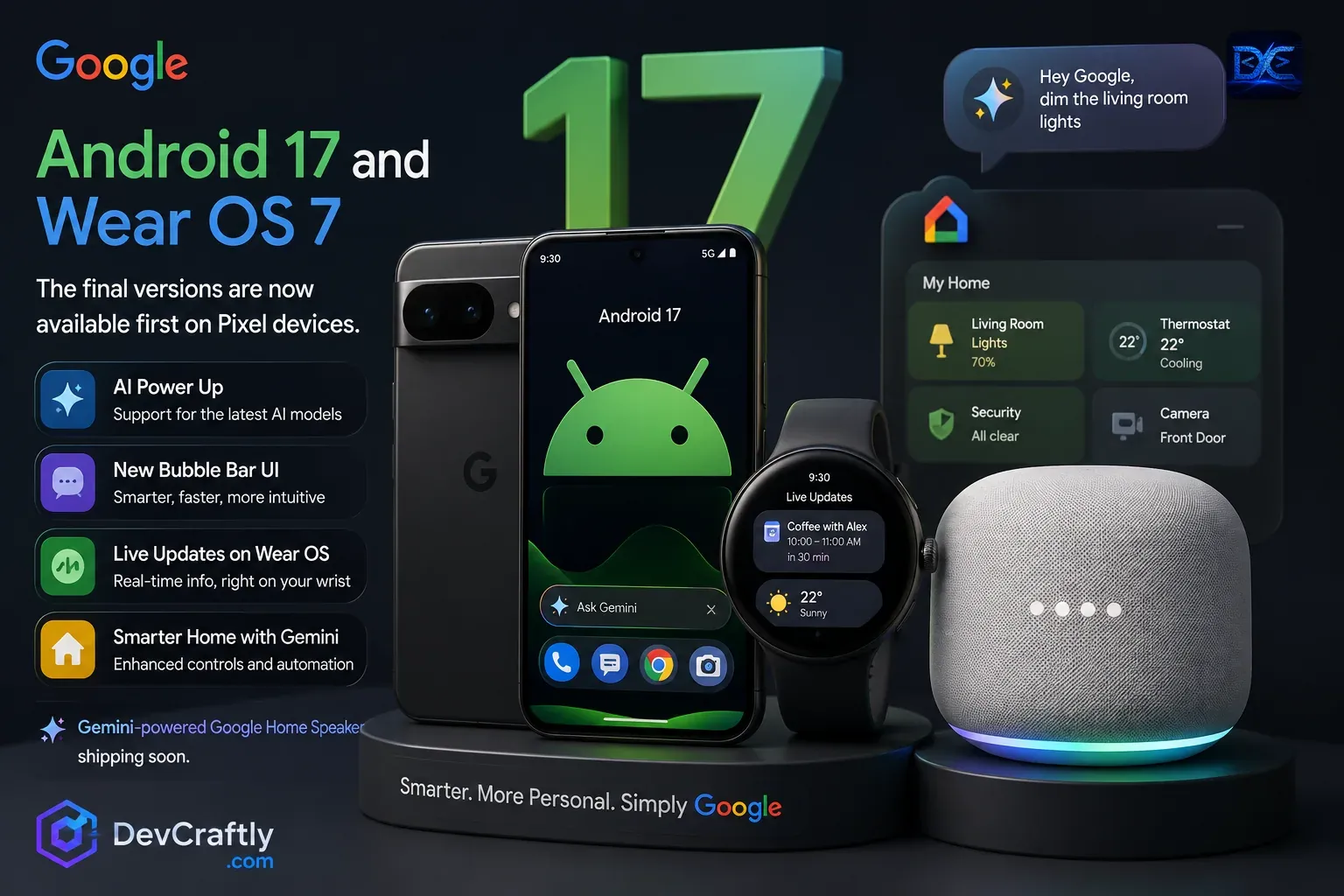
Google has officially released the final versions of Android 17 and Wear OS 7. As usual, they arrive first on Pixel phones and watches, with other brands following over the coming months. This isn’t a small touch-up release — it leans hard into on-device AI, a cleaner way to multitask, and a smart home that finally feels conversational.
Here’s a simple walkthrough of what changed and what it means for you, whether you just use your phone or you build apps for it.
Heads up: Rollout is staged. Pixel devices get it first; timing for Samsung, OnePlus, and others depends on each maker. Feature names and availability can shift between regions, so check your own device for what’s live.
The headline changes
| Area | What’s new |
|---|---|
| AI | Built-in support for the newest AI models, running more tasks on-device |
| Multitasking | A redesigned Bubble Bar for fast app and chat switching |
| Wear OS 7 | Live Updates — real-time info that updates right on your wrist |
| Smart home | A Gemini-powered assistant with better controls and automation |
1. A bigger role for AI
The most important shift in Android 17 is how much AI now runs on the phone itself. Instead of sending everything to the cloud, more features work locally — which means faster responses and better privacy for things like summarizing notifications, suggesting replies, and understanding what’s on your screen.
For everyday users, that shows up as small but useful wins: quicker smart replies, better photo and text suggestions, and an assistant that understands context without a round trip to a server.
Why it matters: On-device AI is becoming the default, not a bonus. Expect your phone to feel more “aware” while keeping more of your data on the device.
2. The new Bubble Bar
Android 17 introduces a redesigned Bubble Bar — a faster, more intuitive way to jump between conversations and quick tasks without fully leaving what you’re doing. Think of it as floating shortcuts for the things you switch to most, like chats, notes, or a translator.
It’s a small UI change with a big day-to-day payoff: less app-hopping, fewer taps, and smoother multitasking.
3. Wear OS 7: Live Updates on your wrist
The watch story this year is Live Updates. Instead of opening an app to check something, your watch surfaces real-time info as it changes — a delivery on its way, a live score, your next calendar event, or current weather — right on the watch face or in a glanceable card.
The goal is simple: get the answer with a glance, not a tap-tap-tap. For fitness, travel, and daily planning, this makes the watch genuinely more useful and less of a phone remote.
4. A smarter home with Gemini
Android 17 ties more tightly into a Gemini-powered smart home. You get enhanced controls and automation, and you can talk to your home in plain language — “dim the living room lights,” “set the thermostat to 22°,” or “show the front door camera.”
Google also confirmed a Gemini-powered Google Home Speaker is shipping soon, designed around natural conversation rather than rigid voice commands. The pitch: your home understands intent, not just keywords.
What it means for developers
If you build for Android or Wear OS, a few things are worth acting on:
- Lean into on-device AI APIs. Features that summarize, classify, or generate text locally are now first-class. Designing for on-device first improves speed and privacy.
- Adopt Live Updates on Wear OS. Real-time, glanceable data is the new bar for watch apps. If your app has time-sensitive info, surface it on the wrist.
- Rethink multitasking with the Bubble Bar. Lightweight, returnable tasks (chat, quick tools) fit the new model well.
- Plan for conversational home control. Natural-language intents are becoming the standard interface for smart devices.
Takeaway: Android 17 and Wear OS 7 are about ambient intelligence — AI that runs quietly on your device, surfaces the right info at the right moment, and responds to plain language. Build with that mindset and your apps will feel at home.
Bottom line
Android 17 and Wear OS 7 push three clear themes: more AI on the device, less friction when switching tasks, and a home you can simply talk to. Pixel owners get the first taste; everyone else is next in line.
If you have a Pixel, check for the update and try the Bubble Bar and Live Updates first — they’re the changes you’ll feel every day. If you build apps, this is a strong signal to design around on-device AI and glanceable, real-time experiences.
Related articles
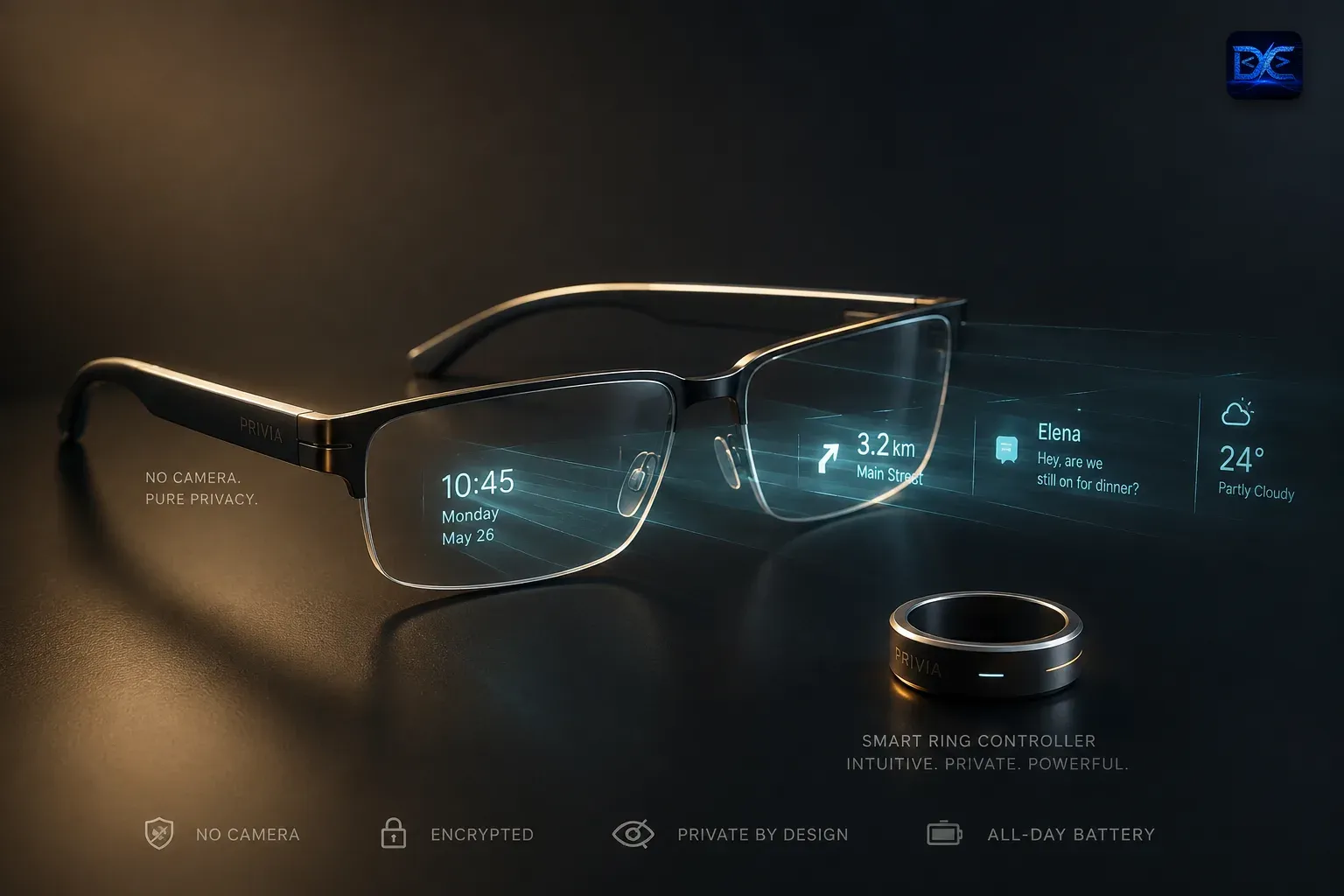
Even Realities Hits $1B Betting Against the Camera in Smart Glasses
Even Realities, a Shenzhen startup founded by ex-Apple engineers, raised $150M in a pre-Series B led by Meituan and Tencent on July 6, 2026, reaching a $1 billion valuation. Its pitch: camera-free, display-first smart glasses that take on Meta on privacy. Here's the round, the product, and the strategy.

Microsoft Cuts 4,800 Jobs and Guts Xbox in a 'Painful Reset' for AI
Microsoft is cutting roughly 4,800 jobs (about 2.1% of its workforce) on July 6, 2026, with Xbox facing up to 3,200 cuts over the next year and four studios — Ninja Theory, Undead Labs, Compulsion Games and Double Fine — divested. Here's what happened, who's affected, and why it's framed as an AI-spending reset.

SK Hynix's ~$29B Nasdaq Debut: Cashing In on the AI Memory Boom
SK Hynix is launching one of the largest-ever foreign listings on Nasdaq — up to ~$29 billion via ADRs (ticker SKHY), with a debut targeted for July 10, 2026. The world's top HBM supplier is tapping US AI investors to fund memory-capacity expansion. Here's the offering, the AI backdrop, and where the money goes.
Have a project or an idea?
We don't just write about software — we build it. Tell us what you're working on and we'll get back within 1–2 business days.